
How Requivize works
Four steps from job description to a clearer next step. Requivize prioritizes candidates, surfaces gaps, generates interview questions, and produces job-optimized output—most of the heavy lifting happens in minutes.
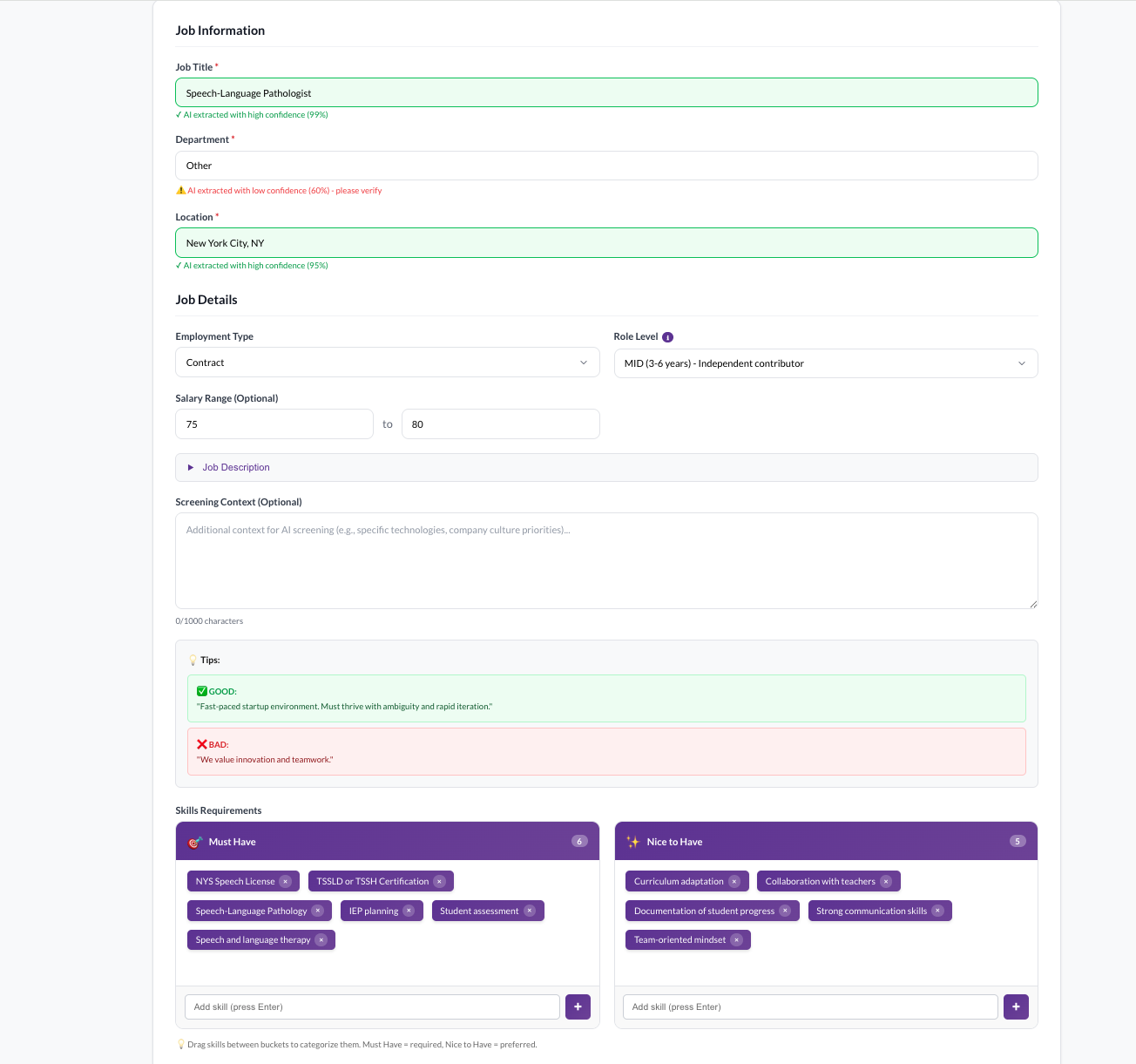
Add your job description and context
Paste or upload a job description. Then add the details that matter to your search: must-have skills, nice-to-haves, preferred companies, certifications, or any other context that helps Requivize understand what a strong candidate looks like for this role.
- Paste or upload any JD format
- Define must-haves and nice-to-haves
- Add preferred companies, certifications, or industry context
- Set the criteria that matter to your client or hiring manager
Contextual evaluation
Add preferred companies, certifications, and industry context so prioritization reflects what actually matters for this role.
Recruiter notes and call transcript context
Add your recruiter notes or paste a call transcript to improve match accuracy and submittal quality.
Upload resumes — get prioritized results with reasoning
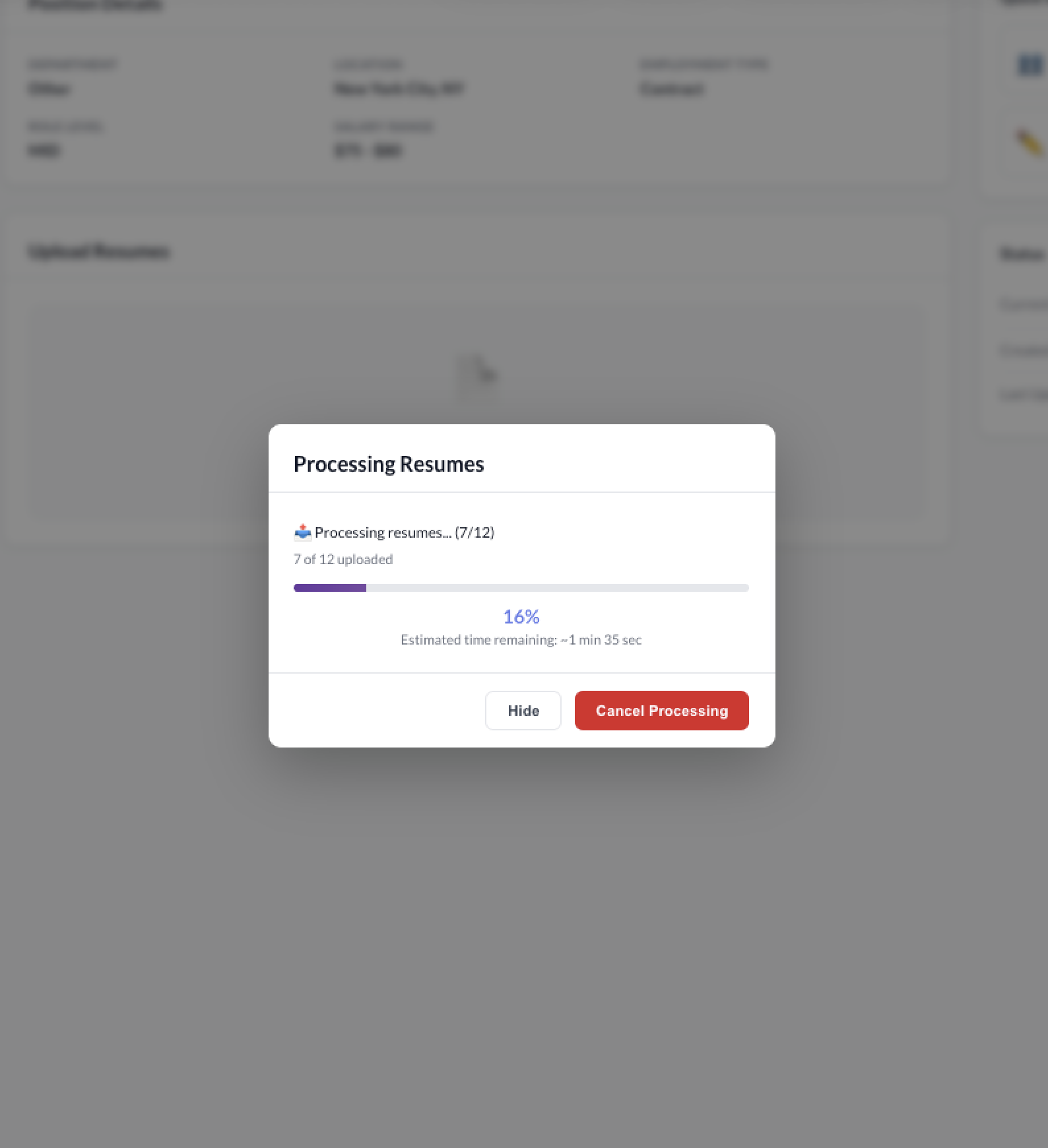
Drop in up to 50 resumes at once. Requivize compares each candidate against your job requirements and context, then prioritizes them into clear tiers with explainable reasoning tied to the role. Not a black-box score — you can see and defend exactly why each candidate was prioritized.
- Batch upload up to 50 resumes
- Candidates prioritized: Top Match, Good Match, Weak Match, Not Qualified
- Each prioritization includes clear reasoning tied to the job requirements
- Gap analysis surfaces gaps and watch-outs between the resume and the job requirements
Batch resume upload
Upload up to 50 resumes at once. No one-at-a-time bottleneck.
Candidate prioritization with reasoning
Every candidate prioritized as Top Match, Good Match, Weak Match, or Not Qualified — with clear reasoning tied to the job requirements.
Gap analysis
Surfaces gaps and watch-outs between each candidate’s resume and the job requirements — including missing, unclear, or potentially concerning information.
Generate candidate-specific interview questions
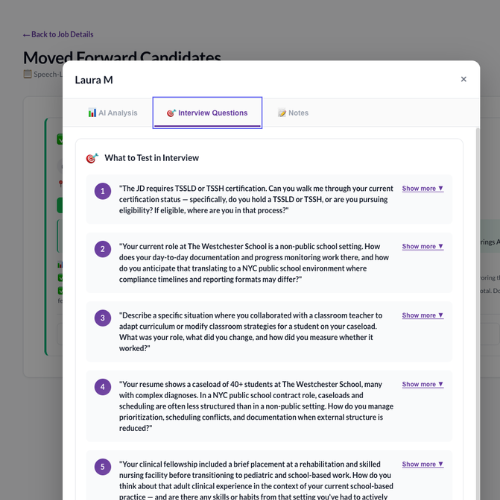
For each candidate, Requivize generates interview questions specifically designed to help recruiters clarify and validate gaps and watch-outs identified in the evaluation. No more generic question lists — these are targeted to what you need to confirm before moving forward.
- Questions target specific gaps from the evaluation
- Helps recruiters clarify and validate areas of concern
- Generated in under 1 minute
- Replaces 20+ minutes of manual JD-to-resume comparison
Candidate-specific interview questions
Questions generated from each candidate’s specific gaps and watch-outs — not generic templates. Helps recruiters clarify and validate what matters.
Watch-out flagging
Potential watch-outs surfaced with severity levels so you know what to probe during the interview.
Produce a job-optimized resume and submit
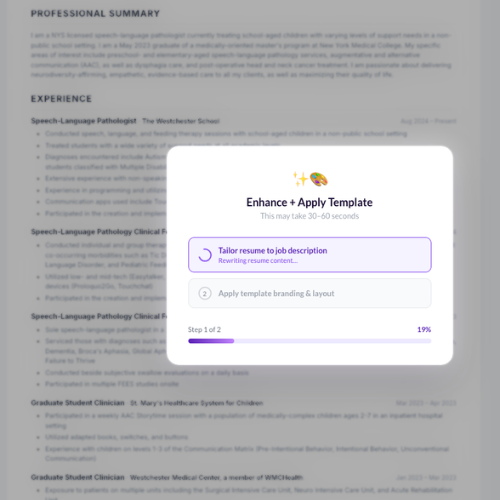
When you move a candidate forward, add your recruiter notes or call transcript. Requivize combines the original resume, evaluation data, and your context to generate a job-optimized resume — formatted in your customer-branded template. No Requivize watermark. Your brand, your output, ready to share.
- Add recruiter notes or paste a call transcript
- Resume optimized for the specific job description
- Formatted in your customer-branded template
- No Requivize watermark — your brand only
- Ready to submit to your client or hiring manager
Job-optimized resume generation
Requivize produces a resume tailored to the specific job description — highlighting the right experience and skills.
Customer-branded templates
Admins configure layout, fonts, logo placement, and colors. Every output matches your brand — not ours.
No watermark
Your outputs carry your brand only. No Requivize branding on candidate-facing documents.
Contact info removal
Optionally remove candidate contact information from submissions when required by your client.
Outlook + Gmail email integration
Connect your company Outlook or Gmail so recruiters can email candidates and send client submittals in one click — without switching apps.
See it all in action
Watch and listen to the full narrated walkthrough — from job description to a clearer next step.
This demo includes a full audio explanation walking you through each step of the Requivize workflow — from uploading resumes to producing client-ready output. Turn your sound on for the best experience.
Watch for:
- Paste a job description + context
- Upload up to 50 resumes at once
- Candidate prioritization with clear reasoning (not a black-box score)
- Gap analysis + watch-outs → candidate-specific interview questions
- Export a job-optimized, client-branded resume (no watermark)
Have questions?
We're happy to walk you through the details, answer questions about your workflow, or help you figure out if Requivize is a good fit.